

Who do you talk to most on WhatsApp? Find out like this
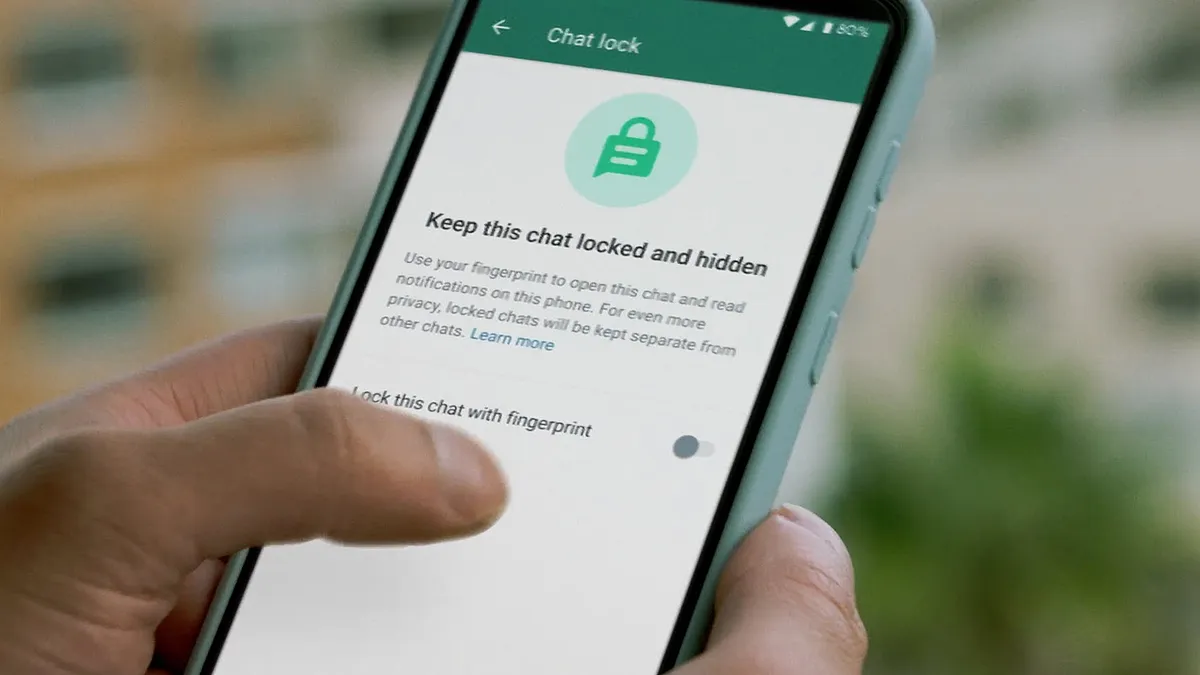
We may not know about some features of popular chatting platform WhatsApp. WhatsApp is constantly introducing new features on its platform. But not all users know about the new update.
Most of the people use WhatsApp only to make calls to share photos, videos, audios and other documents. But, WhatsApp has a feature with the help of which you can find out who you or any other mobile user is chatting with a lot on WhatsApp.
To find out who has been talked to the most on WhatsApp, follow these steps:
-
- First of all open WhatsApp on mobile
- Tap the three dots icon at the top right of the screen
- Then go to Settings option
- There you will see the storage and data section, tap on it
- Then manage storage option will appear, open it
- There a whole list of chats will appear on the screen
- The person whose name will be at the top of the list has the most number of chats with that person on WhatsApp. That is, the most photos and videos are shared with the same person.

Trump announces no attack on Iran before US midterm elections

India seeks alternative to US: Xi, Modi and Putin together for the first time in 10 years at BRICS summit

Blood donation program organized by Lions Club of Mississauga Canada Nepal (with photo feature)

Bhotekoshi flood: Death toll reaches 788, 25 hundreed still unaccounted for

US-Canada trade war : Canadian Prime Minister Carney announces that the dollar will respond to the dollar

Growing attraction in domestic tourism: Why are Nepalis going out to travel?

FIFA World Cup 2026: Semi-final draw complete, Argentina-England, Spain-France enter the last four